Corporate devices, connected automatically
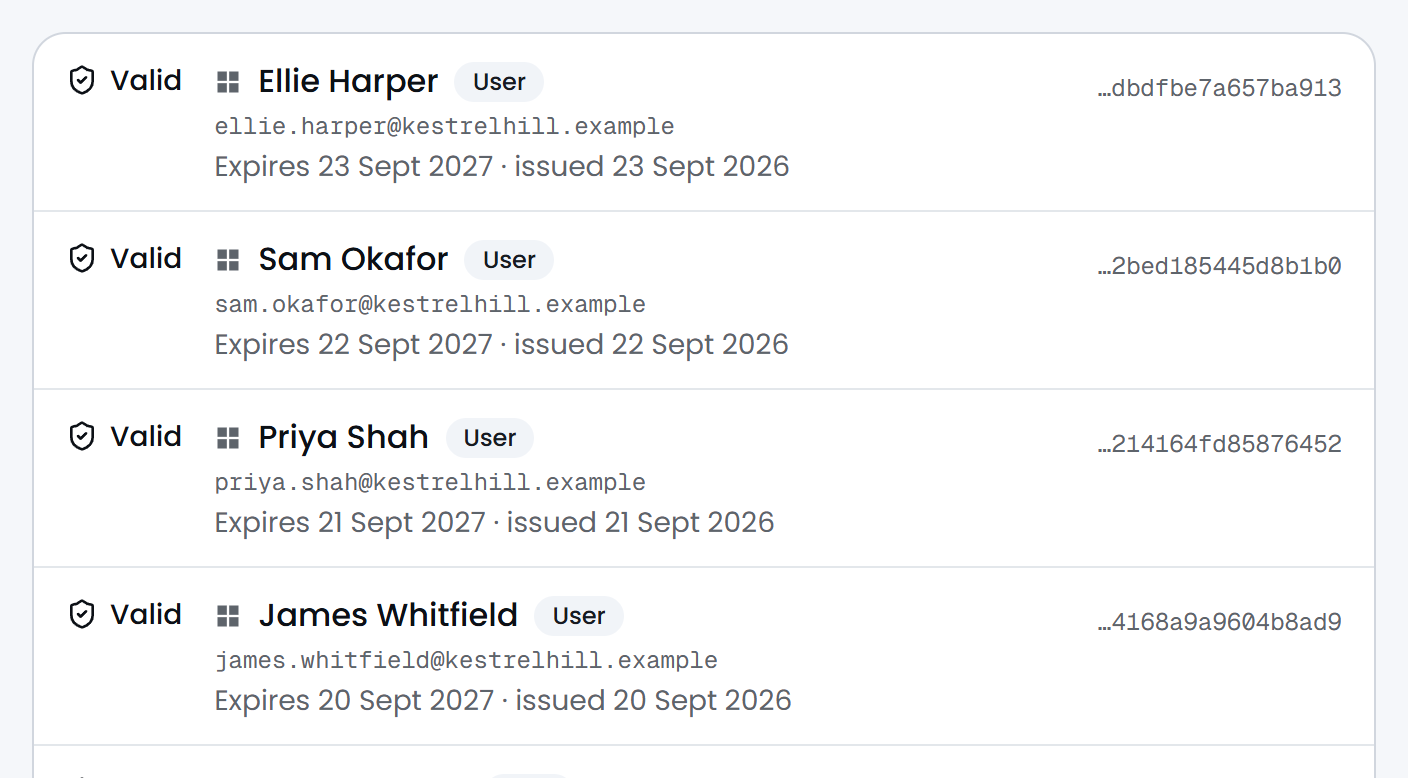
Devices enrolled in Intune ask Passbeam for their own certificate, and Intune sets up the Wi-Fi and wired connection. Nothing for the user to do. It just works.
How it works →
Product
All featuresEverything Passbeam does, on one pageIntune certificatesA private authority per client, over SCEPChromebooksCertificates from Google AdminBYODPhones and laptops you don't manageVPN gatewaysThe same certificate, through IKEv2Guest Wi-Fi loginsEach login expires on its ownSessions and disconnectWho is on now, and ending a sessionSolutions
Wi-Fi with Entra IDDevices sign on with the account they haveReplacing Windows NPSRetire the server, keep the networkCloud-only 802.1XNothing to install on sitePrinters, cameras, door controlsCertificates for hardware you can't enrol802.1X on UniFiRADSec from UniFi to PassbeamRADSec explainedRADIUS over TLS, and when to use itSupported equipmentCisco, Aruba, UniFi, Juniper, Meraki and moreResources
Knowledge baseSetup guides and answersStatusLive service statusSecurityHow we protect your dataContactTalk to usSecure by default: a network point in a meeting room hands out guest access and nothing else, until a certificate identifies the device or user and moves them onto the VLAN you chose. No shared Wi-Fi passwords to rotate. Disable a user or a device in Entra ID and its certificate stops working. It is refused the next time it authenticates.
Devices enrolled in Intune ask Passbeam for their own certificate, and Intune sets up the Wi-Fi and wired connection. Nothing for the user to do. It just works.
How it works →
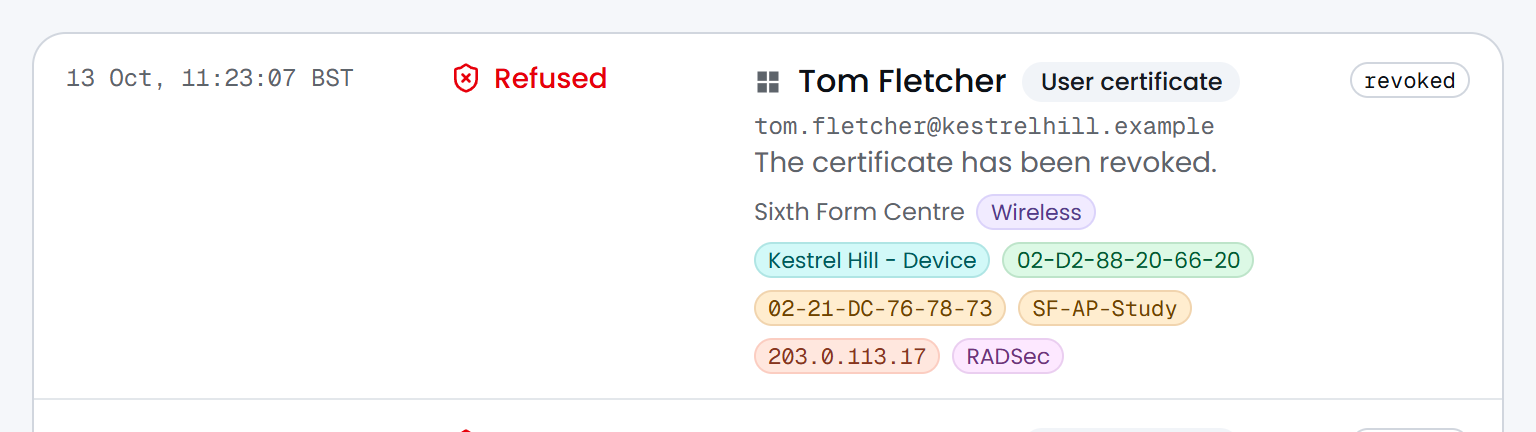
Disable a user or a device in Entra ID and Passbeam revokes its certificates within about ten minutes. It is refused the next time it connects.
What happens when somebody leaves →

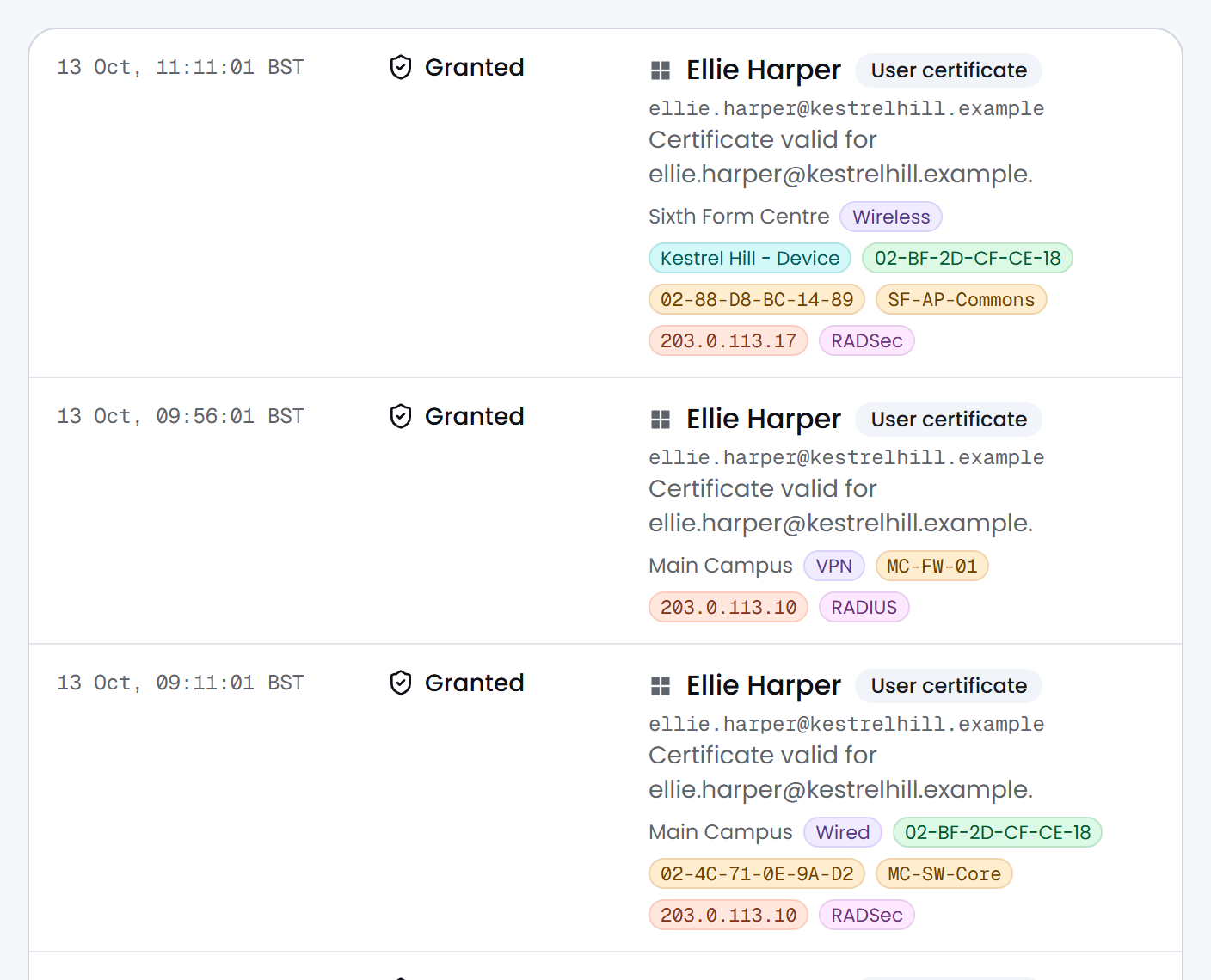
One certificate gets a laptop onto the Wi-Fi, onto a switch port and through the VPN from home. RADSec where the hardware speaks it, plain RADIUS where it does not.
Supported equipment →
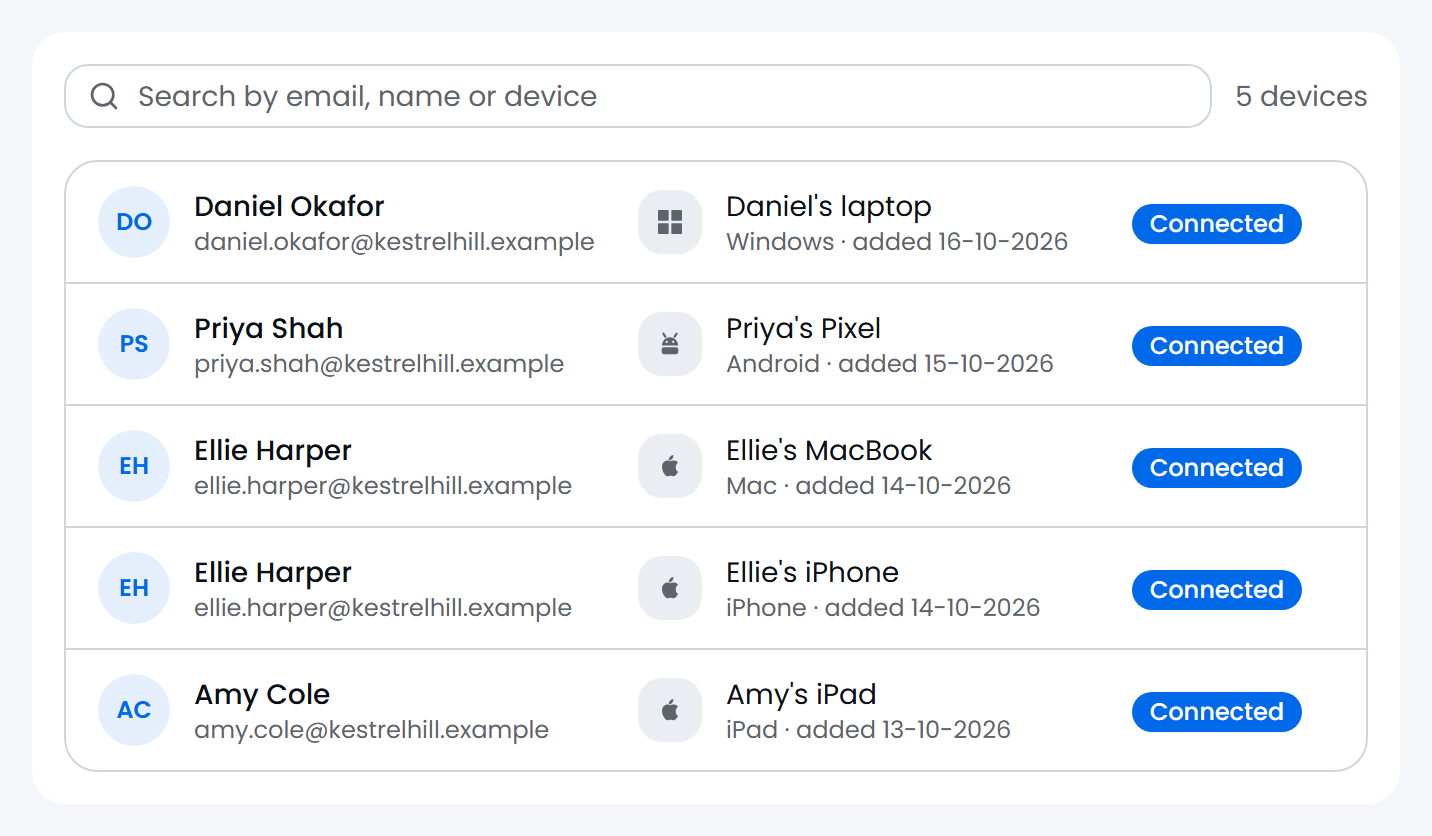
Staff scan a QR code, sign in with Microsoft, and their own phone or laptop gets its own certificate. iOS, Android, Mac and Windows. No Wi-Fi password to hand out.
How to set up BYOD →
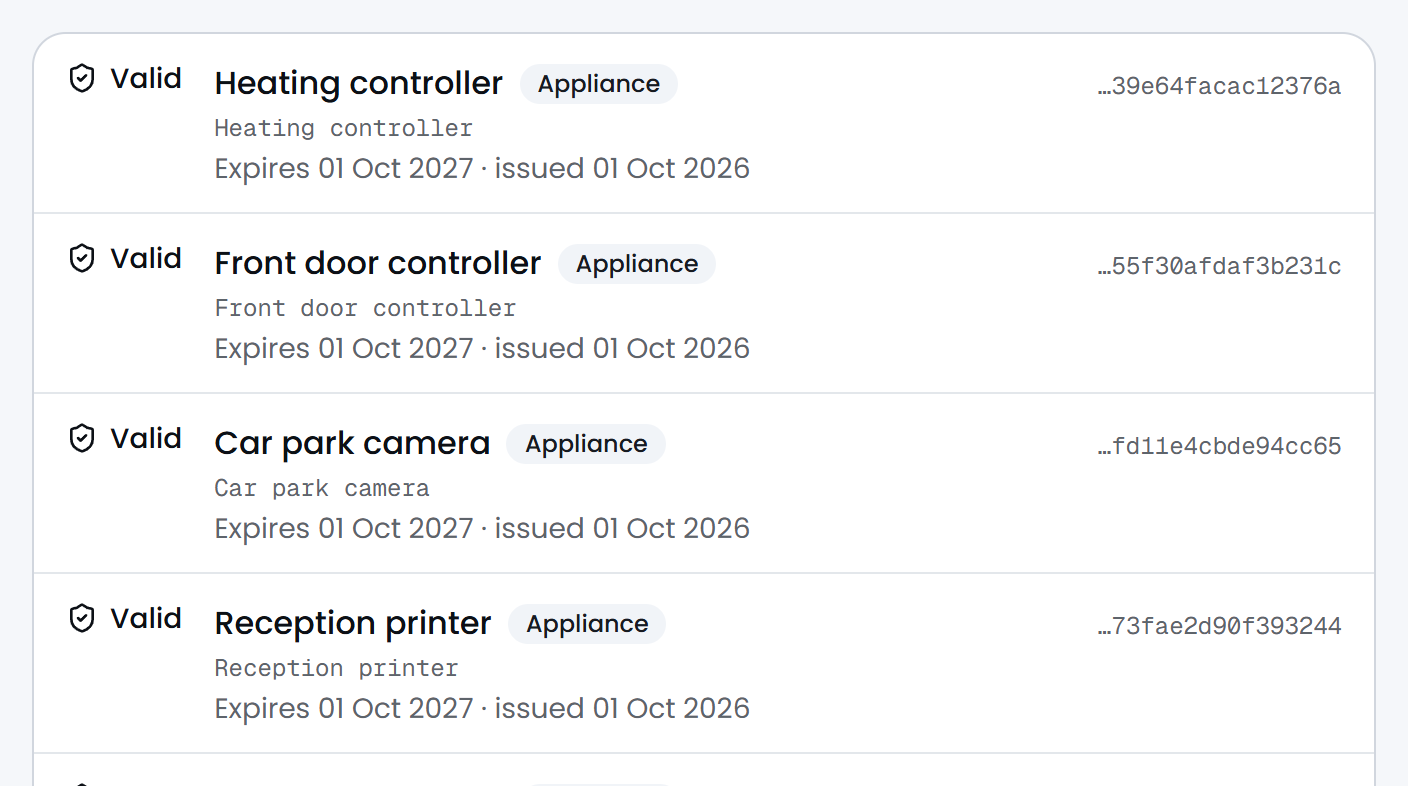
Hardware that cannot be enrolled still gets a certificate of its own, and its own VLAN.
802.1X for printers and cameras →
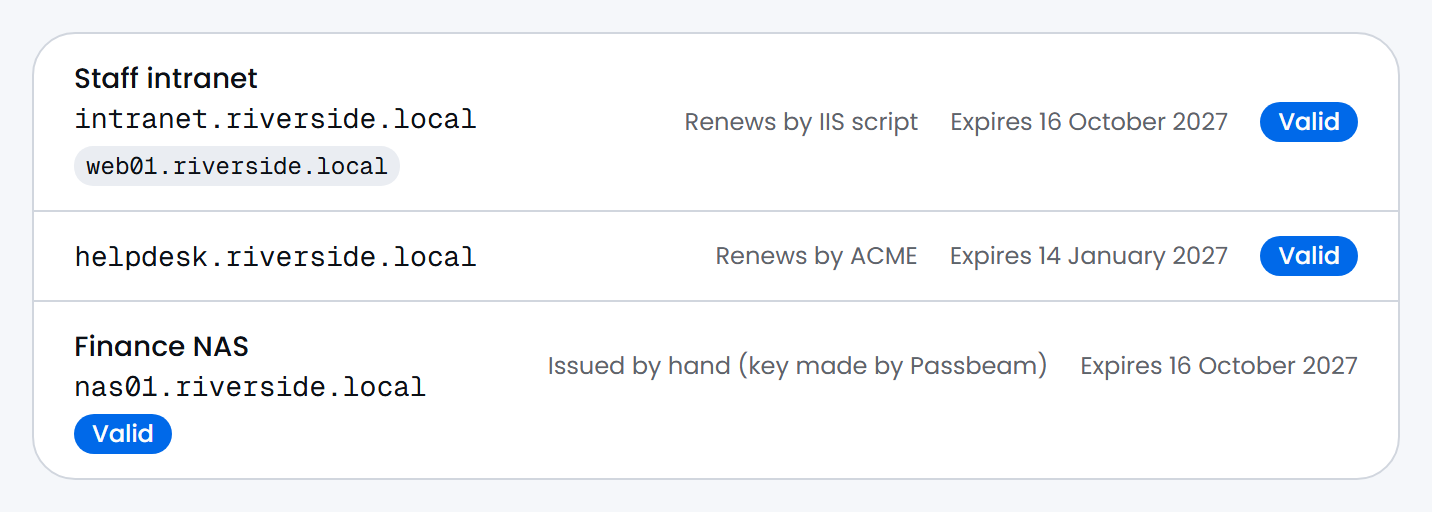
Part of Passbeam's Cloud PKI. Certificates for your internal websites and apps, which your Intune devices already trust. Servers can renew their own, or you can issue one by hand.
How to set up server certificates →
Managed through Google Workspace, not Intune. Each Chromebook gets its own certificate from Google Admin.
Your guest portal checks a username and password against Passbeam. Each login expires on its own.
Who is on right now, which switch port or address they hold, and how long they have been there.
End a live session from the portal. The connector does the reaching, so nothing is exposed inbound.
No “speak to sales” and no minimum. Work out what Passbeam would cost you before you sign up.
Free forever
Freeup to 10 devices or people
Stay at 10 or fewer and we will never charge you. There is no time limit and no card to enter. Test Passbeam on your own network for as long as you like. It covers most home labs.
The 10 covers your whole account, across every client you add.
Start freePaid
£1.75per device or person, per month
You pay only for what holds a certificate, so a device you retire stops costing you the month it stops connecting.
With user certificates, a person with a laptop and a phone counts once. With device certificates, each device counts.
Add-on: guest Wi-Fi logins, £0.75 per guest per month.
What would it cost you?
£437.50a month
250 × £1.75 a month.
That is the whole bill. No setup fee, no per-site charge, no minimum term. Prices exclude VAT, and none is charged today. More than 2,000? Tell us what you need.
Included at every size, including free
Every feature is included on the free tier.
Create your Passbeam account, add a client (a customer, your company or your own home) and follow the guided checklist through Entra, PKI, Intune and RADSec. A network of only printers and cameras takes three steps.
Passbeam does two jobs. It runs a certificate authority for each of your clients, and it's the RADIUS server your switches, access points and VPN gateways ask when a device tries to connect. That's 802.1X, over RADIUS or RADSec.
Read the full answer →No. Passbeam is the RADIUS server. There's nothing to install at the client's site, no server to patch and no certificate authority to build or back up.
Read the full answer →Yes. It's the most common reason people come to us. NPS needs a Windows server to patch and a certificate authority to run and back up, and if that server fails the Wi-Fi goes with it. Passbeam does the same job with nothing at the client's site.
Read the full answer →Their access stops without you changing anything on the network. It takes up to about ten minutes.
Read the full answer →No. Intune is the easiest way to set up managed Windows, Apple and Android devices. It delivers the certificate profiles, devices enrol themselves, and Passbeam can use Intune's compliance verdict. That's why it's the default when you add a client, but there are three ways to set one up.
Read the full answer →